
The Edmund's Mastermind by Bogen.ai
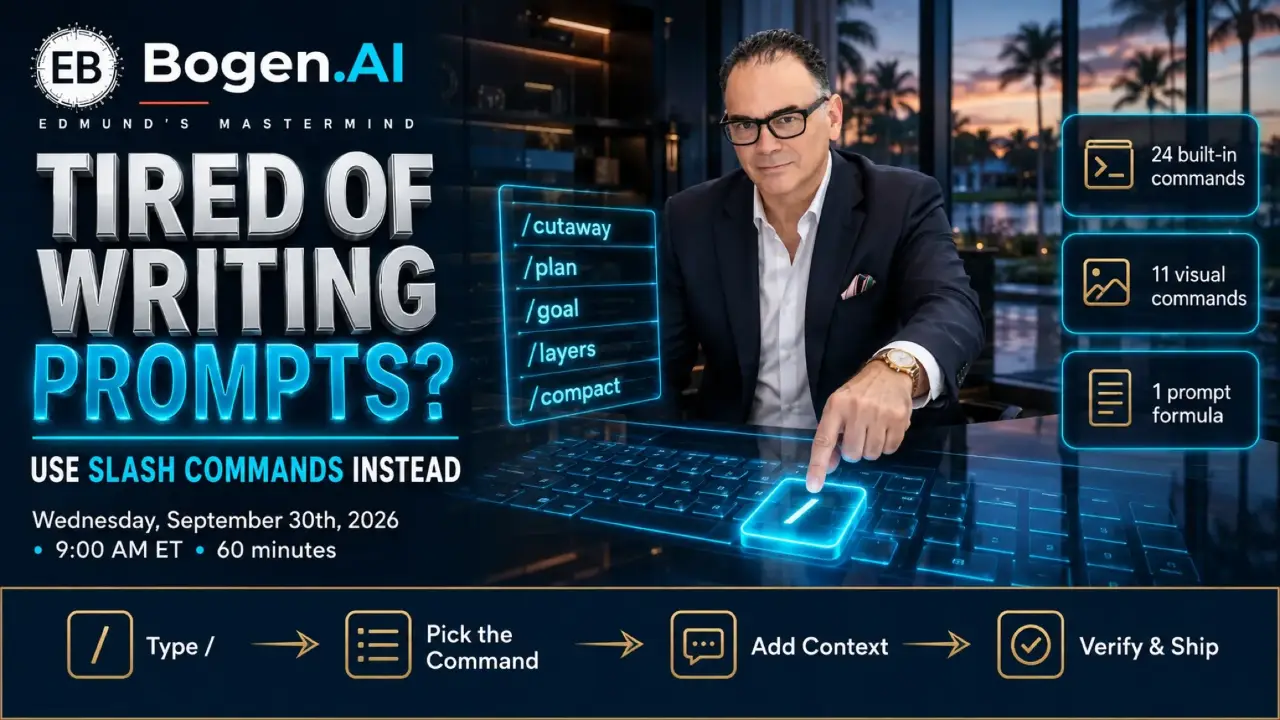
Tired of Writing Prompts? Use Slash Commands Instead
Hosted by Edmund Bogen
Space is limited. Reserve your spot now.
We help business flourish
00
DAYS
00
HOURS
00
MINS
00
SECS
Tired of Writing Prompts? Use Slash Commands Instead
Meeting Details Date & Time:
🗓️ Wednesday, 9:00 AM EST | September 30th
⚡ Why This Session Matters
While most agents are typing paragraph-long prompts into ChatGPT and hoping for the best, a command menu has been sitting one keystroke away the whole time. Type / in an empty message and the controls appear — planning modes, persistent goals, and eleven visual commands that turn a listing photo into a cutaway buyers actually understand. Here's the simple truth of 2026: the agents getting consistent results from AI aren't better writers — they stopped writing and started commanding.
- Typed paragraphs get reinvented every time — 15 minutes of trial and error, different results on every retry
- Commands are tested, named behaviors — pick from the menu, add your subject, get the same quality every time
You already own the only skill this takes: you can type one keystroke. This session hands you the complete map of what's behind it.
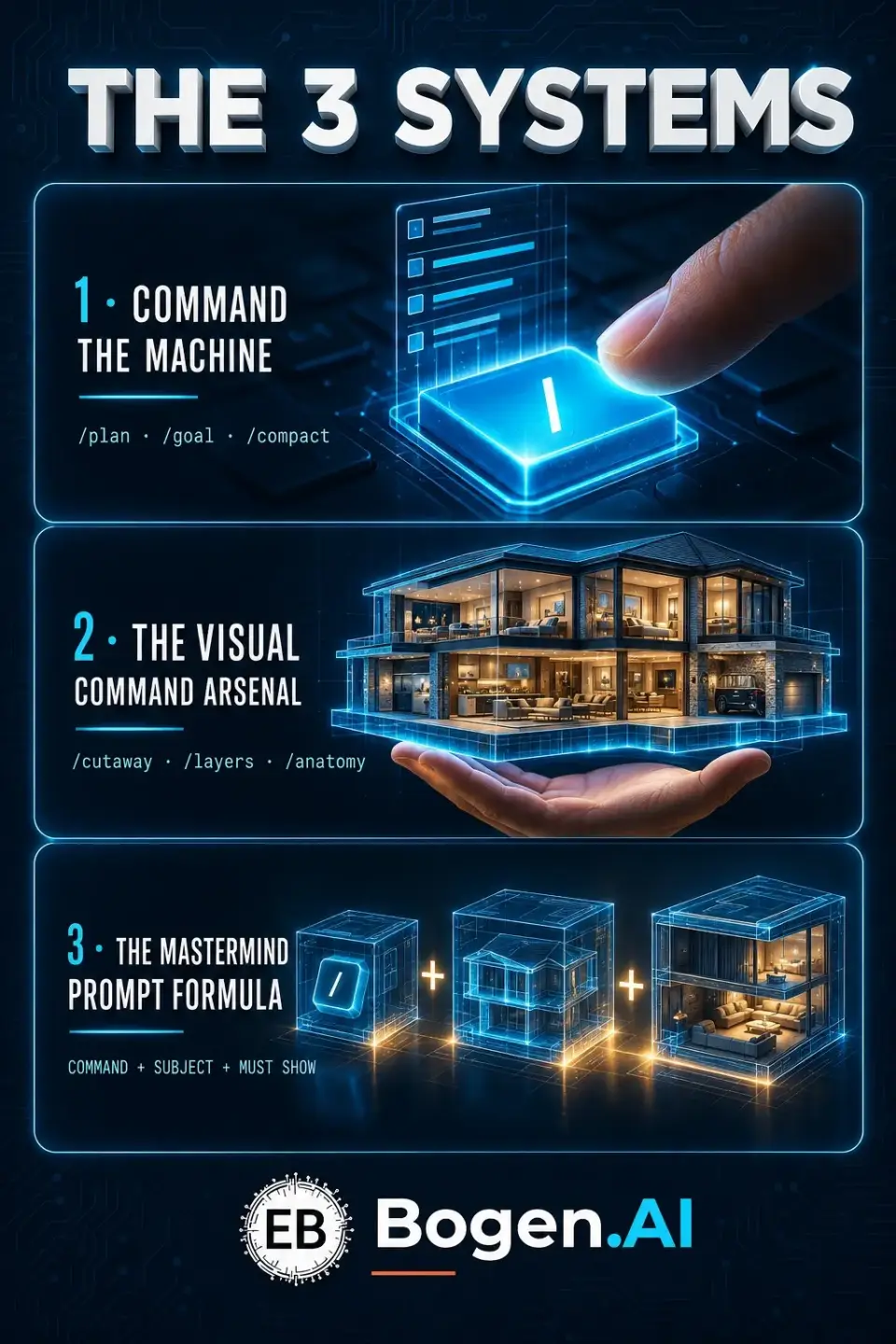
We will master 3 systems live, together:
1️⃣ Command the Machine – the built-in / menu demystified: /plan, /goal, /side, /fork, /compact, /model, /reasoning and friends — what each one does and the exact moment a working realtor reaches for it
2️⃣ The Visual Command Arsenal – all 11 image commands led by /cutaway (open a two-story listing like a dollhouse), /layers, /anatomy, and /handwritten — each with a real-estate example command and a fallback for menus that don't show it
3️⃣ The Mastermind Prompt Formula – COMMAND + SUBJECT + PURPOSE + MUST SHOW + STYLE + FORMAT + CONSTRAINTS — one recipe for every visual, plus the quality checks and the one-fix refinement rule that end the regeneration loop
💰 What You'll Leave With
- ⌨️ The complete Slash Command Guide — all 24 built-in commands with what-it-does and the best moment to use each
- 🎨 All 11 visual commands — example command, quality check, and refinement rule for every one
- 🧭 The prompt formula card — plus the build-your-own worksheet to fill in during the session
- 🛠 The four-step method — choose the outcome, pick the command, add context, verify
- 🛟 Fallback wording for any command your account doesn't show yet — the effect is never out of reach
- 🛡 The responsible-use card — confirm the live menu, keep visuals illustrative not proof, check rights before sharing
🔥 What Makes This Different
- LIVE demo — we type / on screen and run real commands on a real listing during the session
- Copy-paste example commands, not theory — every command in the guide comes with exact wording
- $0 tool stack — the ChatGPT tier you already have; the menu is already in your message box
- Beginner-friendly — if you can type one keystroke, you can run the menu
- Complete guide PDF included — every command, every example, every fallback
The choice is simple: keep typing paragraph prompts from scratch and hoping — or spend one morning learning the menu that turns a single keystroke into plans, goals, and visuals your clients actually understand.
To Your Command of the Machine,
Edmund Bogen & Team
Edmund's Mastermind & Group Coaching
Because Writing Every Prompt From Scratch is NOT an Option!
Become a REIGNmaker?
Try our 30-Day Free Trial of The Edmund's Mastermind Membership
Activate My Trial